JOHNSON & JOHNSON · SYSTEMS & UI/UX DESIGN
Designing for Surgical Device Software Updates
Sales reps couldn’t update devices that were offline. I rebuilt the Deployment page in three stages.
ROLE
Lead designer
TEAM
1 UX Designer
1 Subject matter expert
Product & Engineering partners
METHODS & CONTRIBUTIONS
Deployment page redesign
Data table and filter builder using enterprise design system
Interviews and flow validation with sales users
Current- and future-state user flows
Data dependency mapping
Tiered success criteria for management
OUTCOME
Platform readied for 10,000+ devices and thousands of newly onboarded to do their jobs-to-be-done.
IN SHORT
01
The Problem
Mission Control is the platform customers use to manage fleets of surgical devices. In 2026 a surgical device line was retiring its own application and moving onto the platform, bringing more than 10,000 devices and their users with it.
Most of the platform assumed a device could receive its software over the network. These devices couldn’t. Every device in the line was disconnected, so an update meant someone carrying the file to the hospital on a USB drive and installing it by hand.
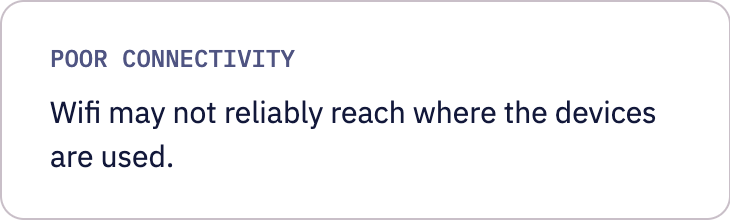
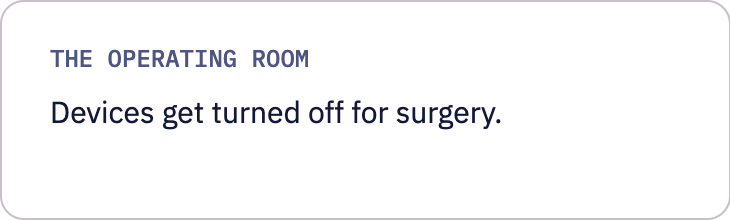
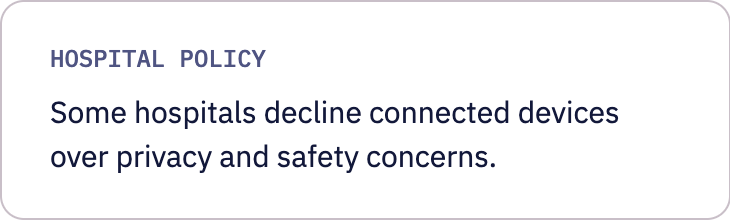
Newer platforms tend to treat disconnected updates as a legacy case. Here it was the main case and it wasn’t confined to one device line. Other customers needed the same workflow once they realized how many of their devices would be offline.
02
The Users
Who carries out an update depends on the device line and the customer. For this line it was the sales team: non-technical reps preparing for hospital visits. At another customer it fell to the hospital’s own biomedical engineering staff.
I spent time with the sales team to understand the job from end to end. Downloading the files was one step inside a longer process that started outside the platform.
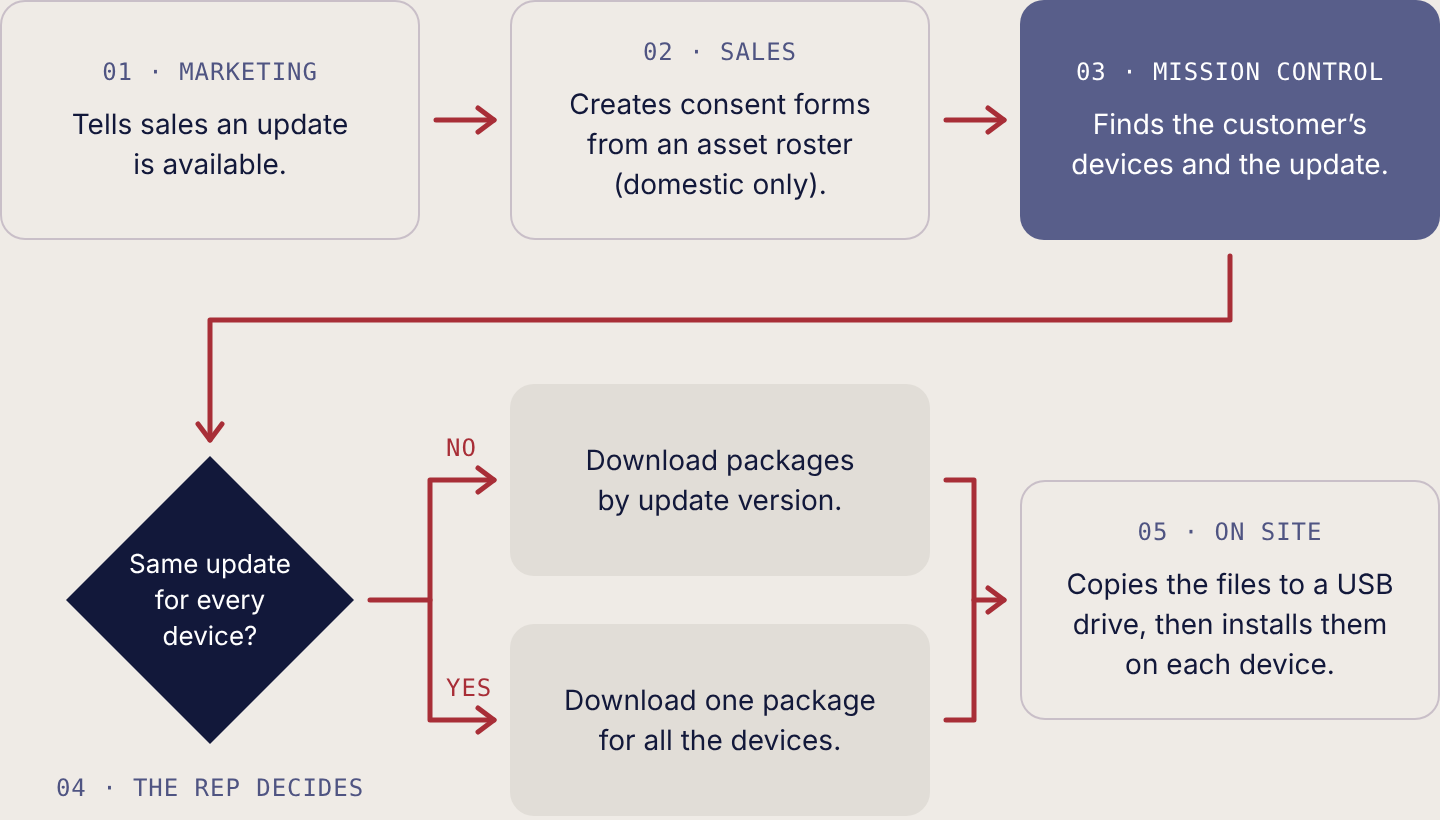
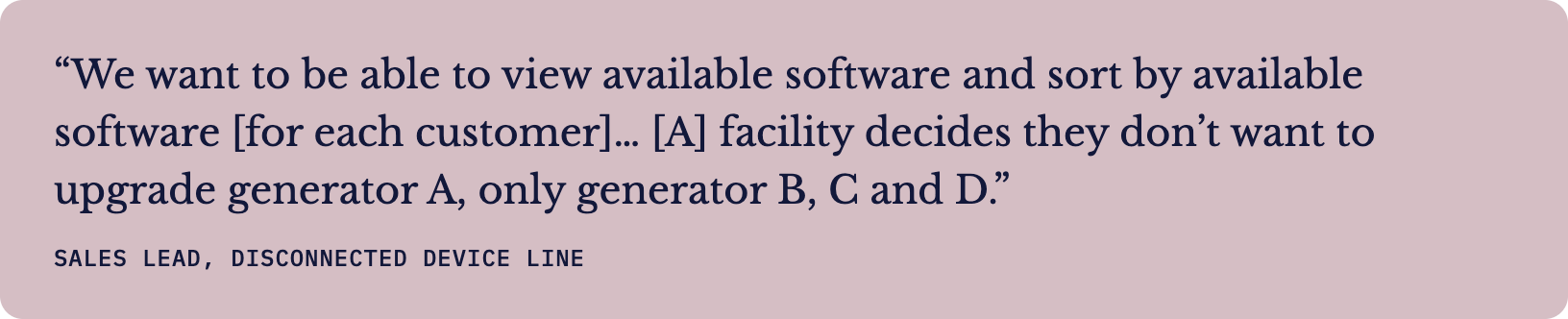
That’s the shape of the task: one hospital, a set of its devices, and sometimes only some of them. The rep thinks in customers. The platform didn’t.
03
Where It Broke
The required route ran through a single device. A rep searched the device list for their customer, opened one device, went to that device’s Deployments tab, picked the latest deployment, and opened the Deployment page. That page listed every device in the deployment across all customers, with no customer information on it. The customer they had searched for at the start was gone and nothing on the page said so.
The retiring application had handled this in one table of a customer’s devices with their current and available software. On the new platform the same job took several screens and a second search.
So I mapped which services each view drew on. The device list used the Device and Org APIs. The Deployment page used the Device and Deployment APIs but not the Org API, which supplies customer information. The workflow broke at a boundary in the data, not in a screen.
Two more boundaries shaped every option. Sales users had no access to Manage Deployments, where a shorter route started, because the team didn’t want anyone to cancel a deployment by accident. The simplest route, starting from the Customers tab, needed work on screens the team had kept out of the release.
Fig 1. Three routes to the same files. Each ran into a different boundary: data, permissions, or the scope of the release.
04
Making the Case
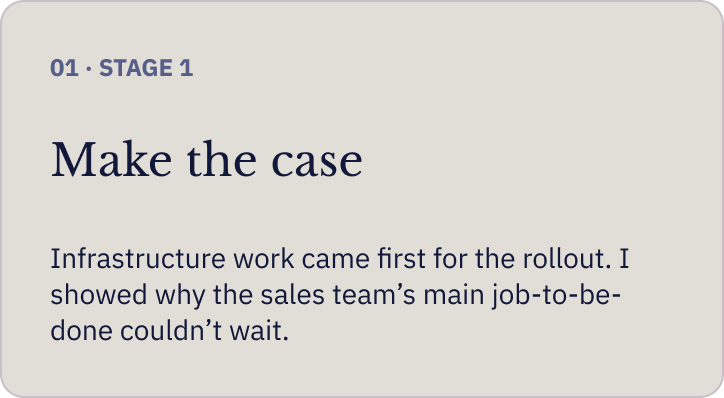
The rollout put most of the team’s attention on infrastructure readiness: architecture, data migration, and getting thousands of devices onto the platform. UI work for one group of users looked like something that could wait. I didn’t think it could. Without it, the sales team’s main task on the platform would be difficult at best on the day they arrived.
A subject-matter expert on the team and I made the case together. I took it to management as its own presentation, with user flows, screen mockups, and tiers of success criteria. Framing the options as tiers turned the decision into what we could build now, not which design was best.
Fig 2. The success criteria, each tier with its trade-off and the place its fix would live.
The ideal, validated with users
For the Best tier I drew the ideal flow: start from the fleet’s pending software updates, filter by the customer’s location, and download in bulk. I walked several users through it, including one whose device line had unexpectedly ended up with a high volume of disconnected devices.
Fig 3. The ideal flow, validated with users. Numbered steps match the sketches.
A disagreement about where the fix lives
My colleague knew these users’ frustrations better than anyone. He proposed carrying the customer filter through all three pages of the required route, which would have saved reps a second search. I argued against it. A filter that persists across unrelated pages is hidden state: someone lands on the Deployment page, sees a shortened list, and has no way to tell why. On a shared platform that state would follow every other persona too, including service engineers who use the same pages for different work.
We agreed on the problem and disagreed on where the fix should live. His fix shortened one route. Mine changed the page every route ends on. Management agreed the work couldn’t wait for the rollout and prioritized it.
05 · STAGE 2
The First Release
The first release rebuilt the Deployment page around the task. My proposal for it put everything a rep needed on that one page.
Reps also needed to search by customer ID, because customer names can be nearly identical across sites. The ID was a new field for the platform, so it was shelved for this release but flagged as high importance.
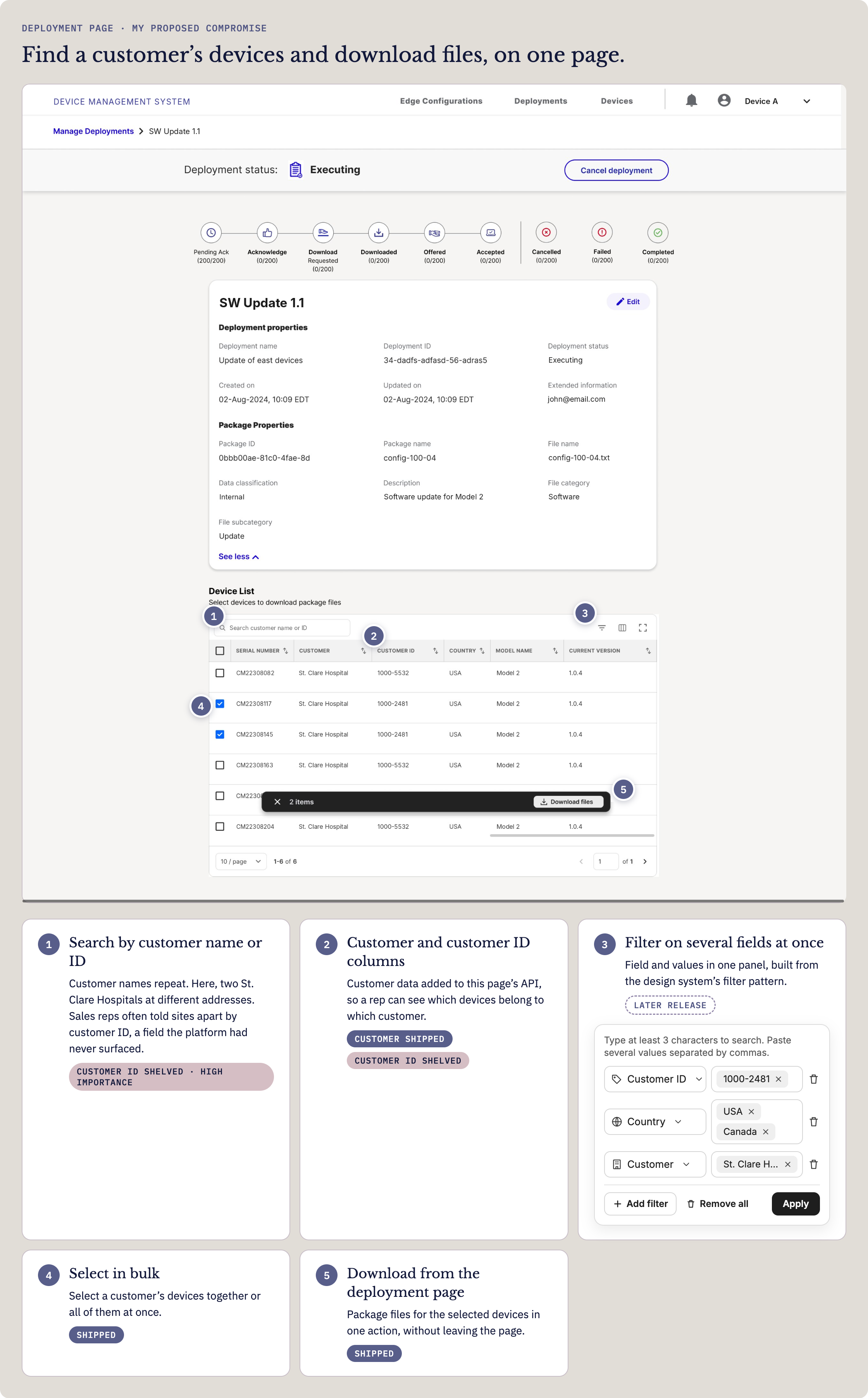
Fig 4. My proposed design for the first release. Names, IDs, and package details changed to fictional data.
What shipped
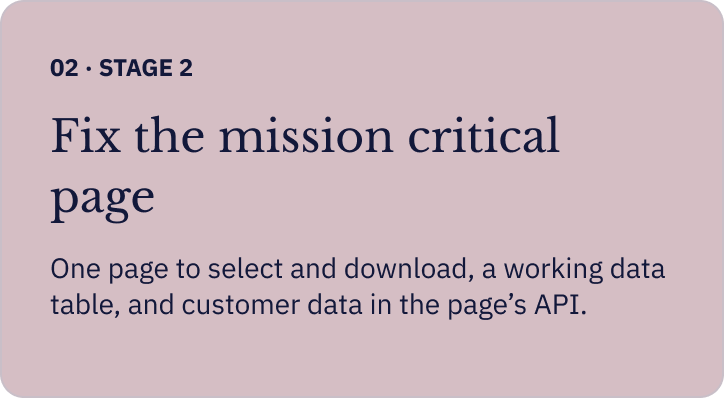
A working data table. The device list was rebuilt on the enterprise design system’s data table. I was the only designer on a team of engineers and couldn’t maintain our older component set while designing every story, so I had been building components to the new system’s specifications before its library was available to us.
Select and download on one page. The separate selection page and its filter dialog were gone. A rep could select devices and download their package files without leaving the Deployment page.
Customer data in the page’s API. I got the team to add customer information to the Deployment page’s API, since it was pivotal to how sales worked. Reps could now see which devices belonged to which customer.
Filtering by customer had to wait for a later release. Each customer had few enough devices that reps could scan the table and select them by hand, so the release still worked for the task it was built for.
Keeping the files with the deployment had support from earlier research. In a 2024 tree test, users treated a package as part of its deployment, so the question wasn’t where the files lived. It was how a rep got to them.
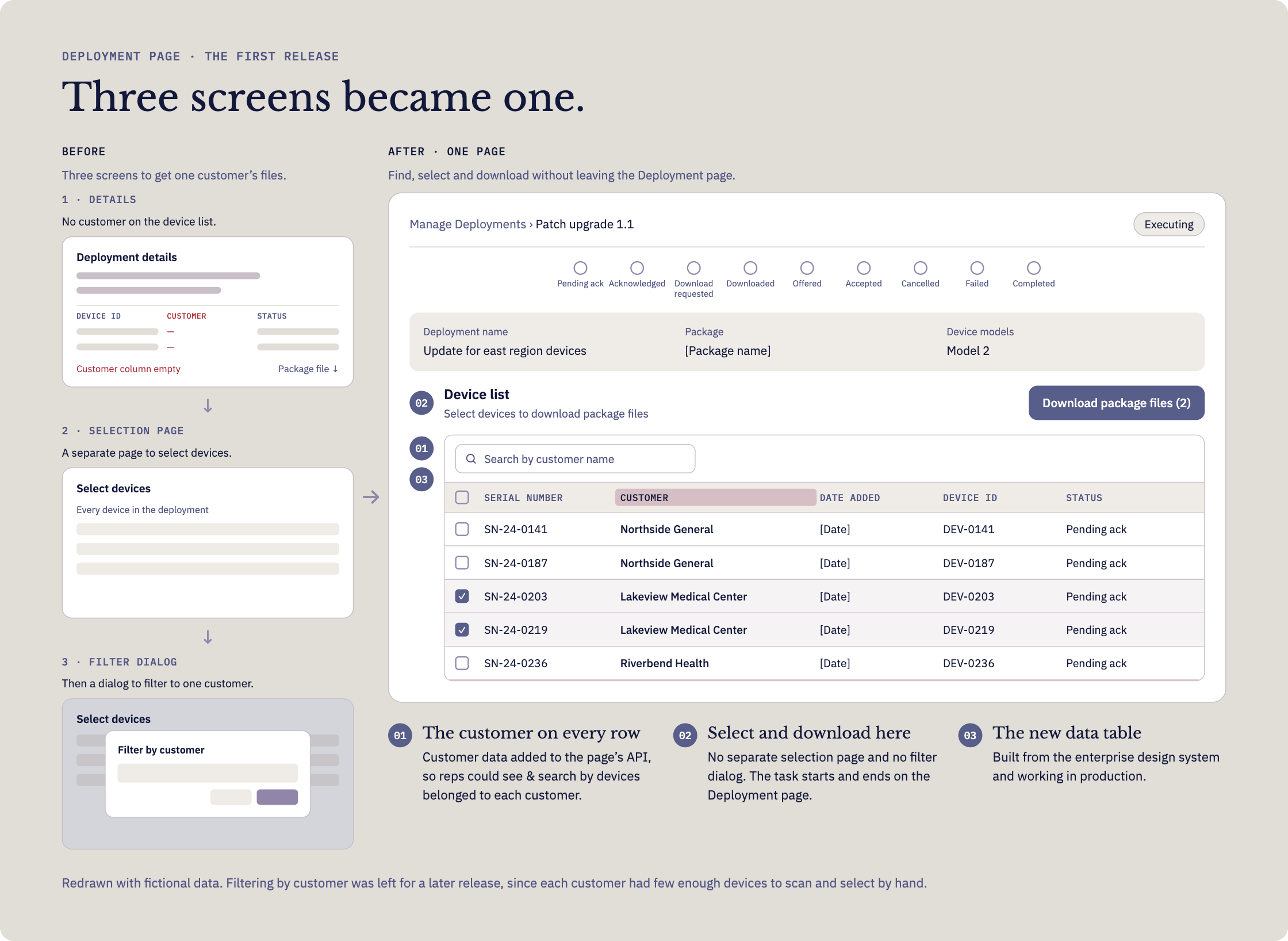
Fig 5. The first release: the selection page and filter dialog folded into the Deployment page, with the customer on every row.
06 · STAGE 3
Managing the Deployment
The same page serves a second group: the people who create and run deployments. Once sales could do their work, the next stage turned to them.
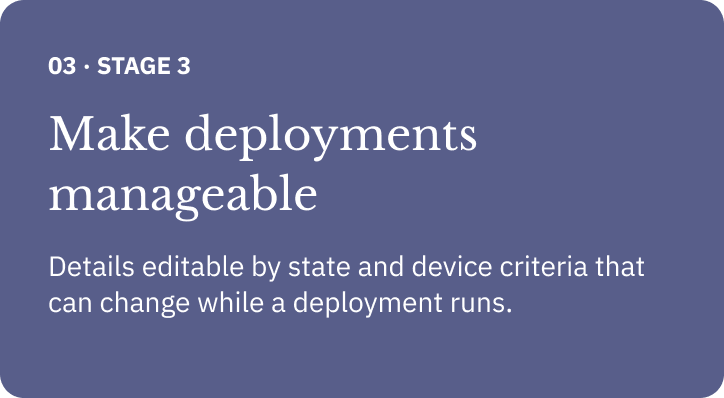
Two changes mattered most. Deployment details became editable, with what can be changed depending on the deployment’s state. Device selection criteria also became editable after a deployment was already executing, so a team could adjust which devices a running deployment reaches.
To make criteria editable they first had to be readable. On the old page they were one string of model names, IDs, and states in a single property row. I gave them their own section, written as rules by field and operator, the pattern of the query builder we had designed. Type and duration got a section of their own too and the device list gained a status for every device and a way to select the ones to retry.
One page now held two jobs. Sales needed to find a customer’s devices and leave with files. Deployment managers needed to see what was happening and change it safely. Sectioning the page by what each part controls, with edits scoped to each section and to the deployment’s state, let both jobs share the page.
Fig 6. Before and after updates of deployment page functions.
07
The Outcome
The first release shipped the customer-aware deployment page and the deployment management updates were designed as the next stage. The customer-first workflow, starting from the Customers tab with each customer’s pending updates in one view, stayed documented as the ideal, but was pushed to the backlog.
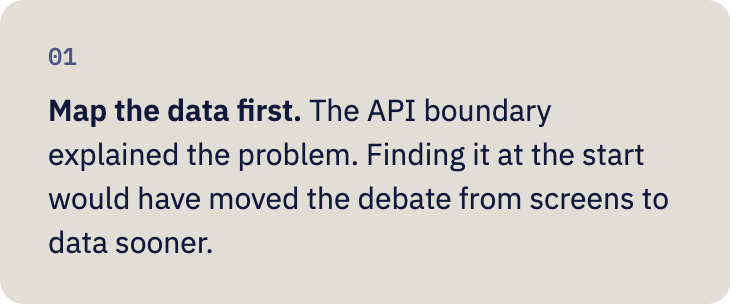
WHAT I’D DO DIFFERENTLY